
Supported Pinterest Formats & Technical Specifications
| Platform & Media Type | Quality / Resolution | File Format | Watermark Policy | Cost & Access |
|---|---|---|---|---|
| Pinterest Video Pin / Reel | 1080p Full HD / 720p HD | MP4 (H.264 / AAC) | 100% Watermark-Free | Free / No Login |
| Pinterest Idea Pin Video | 1080p Full HD (60fps) | MP4 (Progressive) | 100% Watermark-Free | Free / No Login |
| Pinterest Photo / Wallpaper | Original 4K Ultra HD | JPEG / PNG | Original Zero Watermark | Free / No Login |
| Pinterest Profile Picture (DP) | Full Size HD (Uncropped) | JPEG Original | Original Master Image | Free / No Login |
| Pinterest Audio / Music | 320 kbps Studio Audio | MP3 Audio File | No Overlay | Free / No Login |
Frequently Asked Questions (FAQs)
1. How do I save a Pinterest video to my iPhone camera roll with sound?
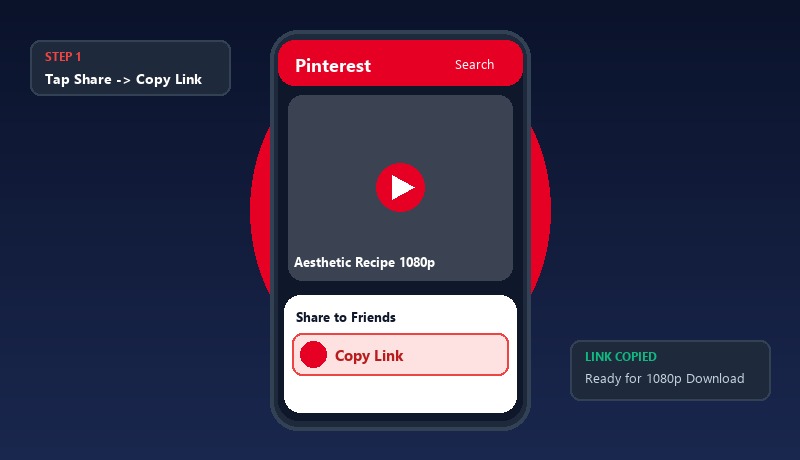
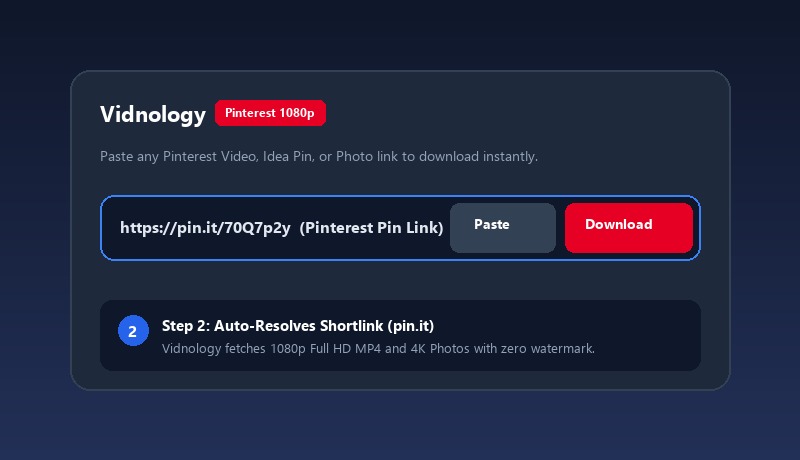
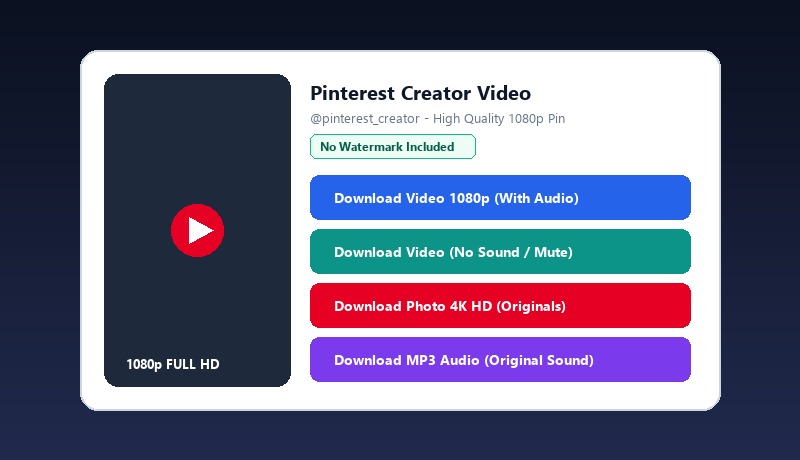
Copy the pin link from Pinterest, paste it into vid.dealnology.com/save-pinterest-videos-to-camera-roll-iphone in Safari, tap Download Video 1080p (With Audio), and after the file downloads, tap Share -> Save Video in Safari to save it directly to your Photos Camera Roll.
2. Why does Pinterest not have a download video button for iPhone?
Pinterest allows saving image pins directly to Photos, but does not provide a native video download option to protect creator streams. Vidnology safely retrieves public video streams so you can archive inspiring pins.
3. Can I save Pinterest Idea Pins to my Camera Roll with this tool?
Yes. Vidnology supports standard video pins, Idea Pins, and multi-slide pins, saving all video and photo components in original quality.
4. Is it safe to save Pinterest videos to iPhone with Vidnology?
Yes, 100% safe. Vidnology requires no login, no Apple ID, and no software installation. It runs entirely inside standard iOS Safari.
POPULAR PINTEREST SEARCH TOPICS: